
On this page
- What a technical SEO tool checks
- How I picked them
- At a glance
- 1. Google Search Console
- 2. Bing Webmaster Tools
- 3. Screaming Frog SEO Spider
- 4. Ahrefs Webmaster Tools
- 5. Semrush Site Audit
- 6. PageSpeed Insights
- 7. Lighthouse
- 8. Rich Results Test
- 9. Schema Markup Validator
- 10. Fourward AI crawler checker
- When to pay
- How to run a free check
- Mistakes to avoid
- FAQs
- Sources
You can check most of your site's technical SEO for free. Google and Bing give you free dashboards for indexing, Google gives you free speed and schema tests, and several SEO software companies give away limited site crawlers. Each free tool covers one job well and leaves gaps, so the real work is knowing which tool covers which gap.
This guide names the 10 free tools I would start with, for crawling, indexing, speed and schema, and what each free version is missing. I checked each one on its maker's own website on 14 November 2026.
I work at Fourward, which publishes this guide. One entry is ours: the free AI crawler checker, listed last. Every other fact links to that tool's own website or documentation, checked on 14 November 2026. No vendor paid to be included or knew I was writing this.
- A technical SEO tool checks whether search engines can find, crawl, index and quickly load your pages, and read the structured data on them.
- You can cover all four jobs for free: Search Console for indexing, a crawler for site-wide errors, PageSpeed Insights for speed and the Rich Results Test for schema.
- Free crawl limits differ a lot. Screaming Frog crawls 500 URLs and Semrush's free plan 100 URLs a month. Ahrefs Webmaster Tools gives 5,000 crawl credits per verified project a month.
- No free tool does everything. The usual gaps are JavaScript rendering, sites you do not own and real-visitor speed data.
What a technical SEO tool checks
Technical SEO is the part of SEO that deals with how your site works, not what it says. It asks whether search engines can reach, store and show your pages at all. Free tools split into four jobs:
- CrawlingA crawler is a program that follows links from page to page, the way Googlebot does. A crawl finds broken links, errors and redirect chains.
- IndexingThe index is Google's stored copy of the web. A page that is not indexed cannot appear in search results.
- SpeedCore Web Vitals are Google's three measures of page experience: how fast the main content loads, how fast the page responds and how much the layout jumps.
- SchemaSchema, or structured data, is code that tells search engines what a page is about, such as a product or an organization.
Our SEO guide for B2B SaaS puts crawling, indexing and speed first for a reason. Content and links cannot help a page that Google never stores.
Pick tools by job, not by brand. You need one indexing tool, one crawler, one speed test and one schema test.
How I picked them
I kept tools that are free without a trial clock and come from the company that runs them. Each one had to cover at least one of the four jobs above. For each, I read its own product page, help page or documentation on 14 November 2026. I did not create accounts or run test crawls, so nothing here claims hands-on results.
The list runs in job order: indexing, crawling, speed, schema, then AI crawlers. Our own checker goes last, because it covers a newer job that the others were not built for.
At a glance: free limits and gaps
The same three facts for every tool. Scroll the table sideways on a phone.
| Tool | Main job | Free limit | What the free version is missing |
|---|---|---|---|
| Google Search Console | Indexing in Google | Free | Google's view only, no crawl you control |
| Bing Webmaster Tools | Indexing and site audit in Bing | Free | Bing's view only |
| Screaming Frog SEO Spider | Crawling | 500 URLs | Saving crawls, crawl settings, JavaScript rendering |
| Ahrefs Webmaster Tools | Crawling and site audit | 5,000 crawl credits per project a month | Sites you cannot verify |
| Semrush free account | Site audit | 100 URLs a month | Enough pages for most sites |
| PageSpeed Insights | Speed | Free | A site-wide view, one URL per test |
| Lighthouse | Speed and basic SEO | Open source | Real-visitor data |
| Rich Results Test | Schema for Google | Free | Schema types Google does not support |
| Schema Markup Validator | Schema, any type | Free | Google rich result checks |
| Fourward AI crawler checker | AI crawler access | Free | Google indexing, speed and schema |
1. Google Search Console
Best for Seeing whether Google has indexed your pages, and why not.
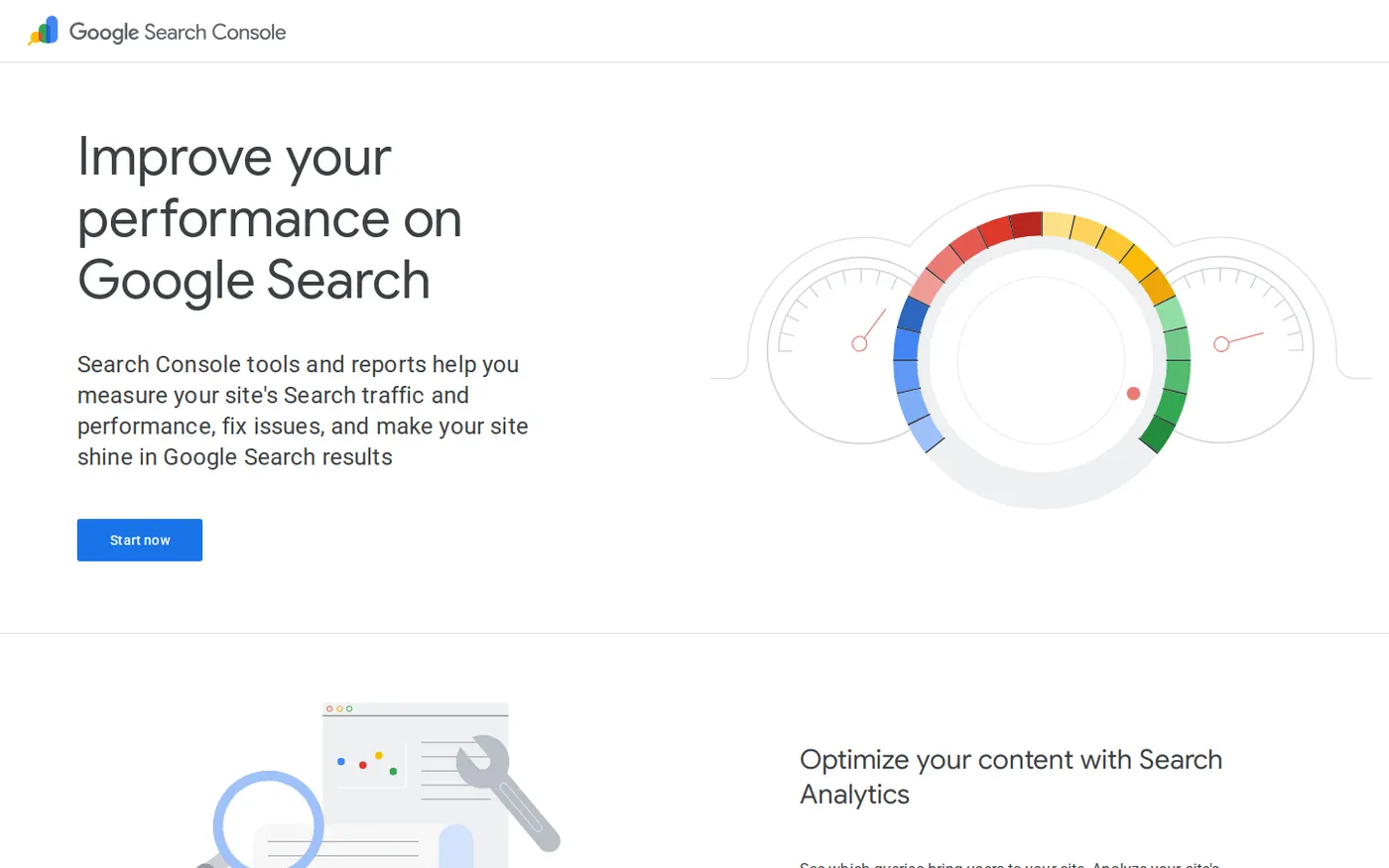
Google Search Console is Google's own dashboard for your site. Google calls it "a free service offered by Google that helps you monitor, maintain, and troubleshoot" your site's presence in search.
The most useful part for technical SEO is the URL Inspection tool. Google says it "provides information about Google's indexed version of a specific page." You can also ask Google to index a page from the same screen.
- ChecksWhether a page is in Google's index, plus reports on indexing and Core Web Vitals across the site.
- Free limitFree, for sites you add to your account.
- What it's missingIt shows Google's view only. Google also says "There is no definitive test that can guarantee whether your page will be included in the Google index."
My take Set it up before any other tool. It is the only tool on this list that shows what Google itself has stored. Requesting indexing is a request, not a fix. Google says "Submitting a request does not guarantee that the page will appear in the Google Index."
2. Bing Webmaster Tools
Best for A second free index check, plus a free site audit from a search engine.
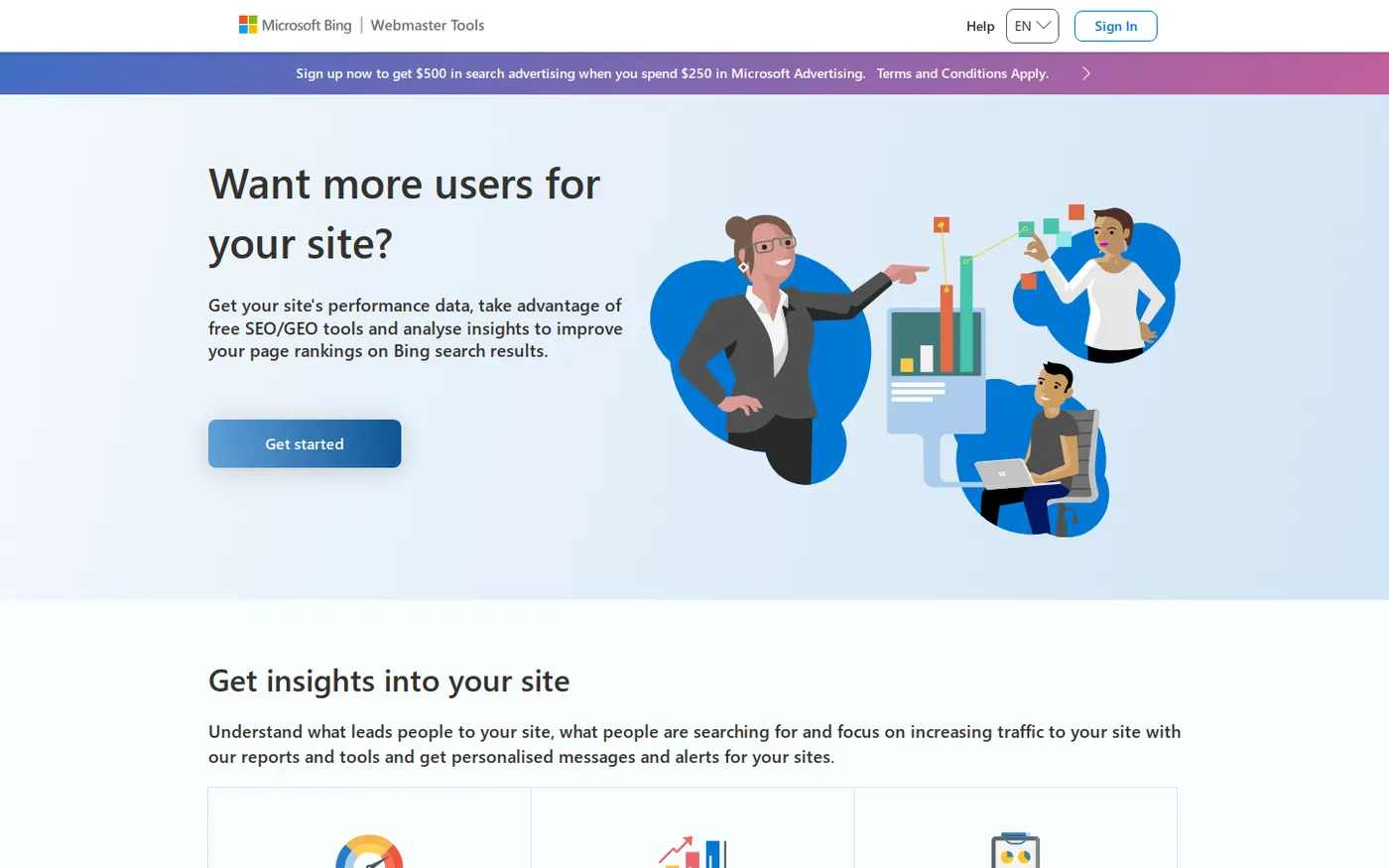
Bing Webmaster Tools is Microsoft's version of the same idea. Bing calls it "free and full of powerful features" on its own blog. Its site audit can "run technical SEO audits to detect broken links, duplicate tags, and missing metadata," so it works as a free crawler as well as an index checker.
It also supports IndexNow. IndexNow is a shared standard that lets you tell Bing and other participating search engines when a page is added, updated or deleted.
- ChecksA site-wide audit, plus URL inspection that shows a page's indexing status, crawlability, response codes and blocked resources. A response code is the server's answer to a request, such as 404 when a page is not found.
- Free limitFree.
- What it's missingIt shows how Bing sees your site, which is not always how Google sees it.
My take Worth setting up next to Search Console. The site audit gives you a free crawl report inside a tool you should have anyway.
3. Screaming Frog SEO Spider (free version)
Best for Crawling a small site page by page from your own computer.
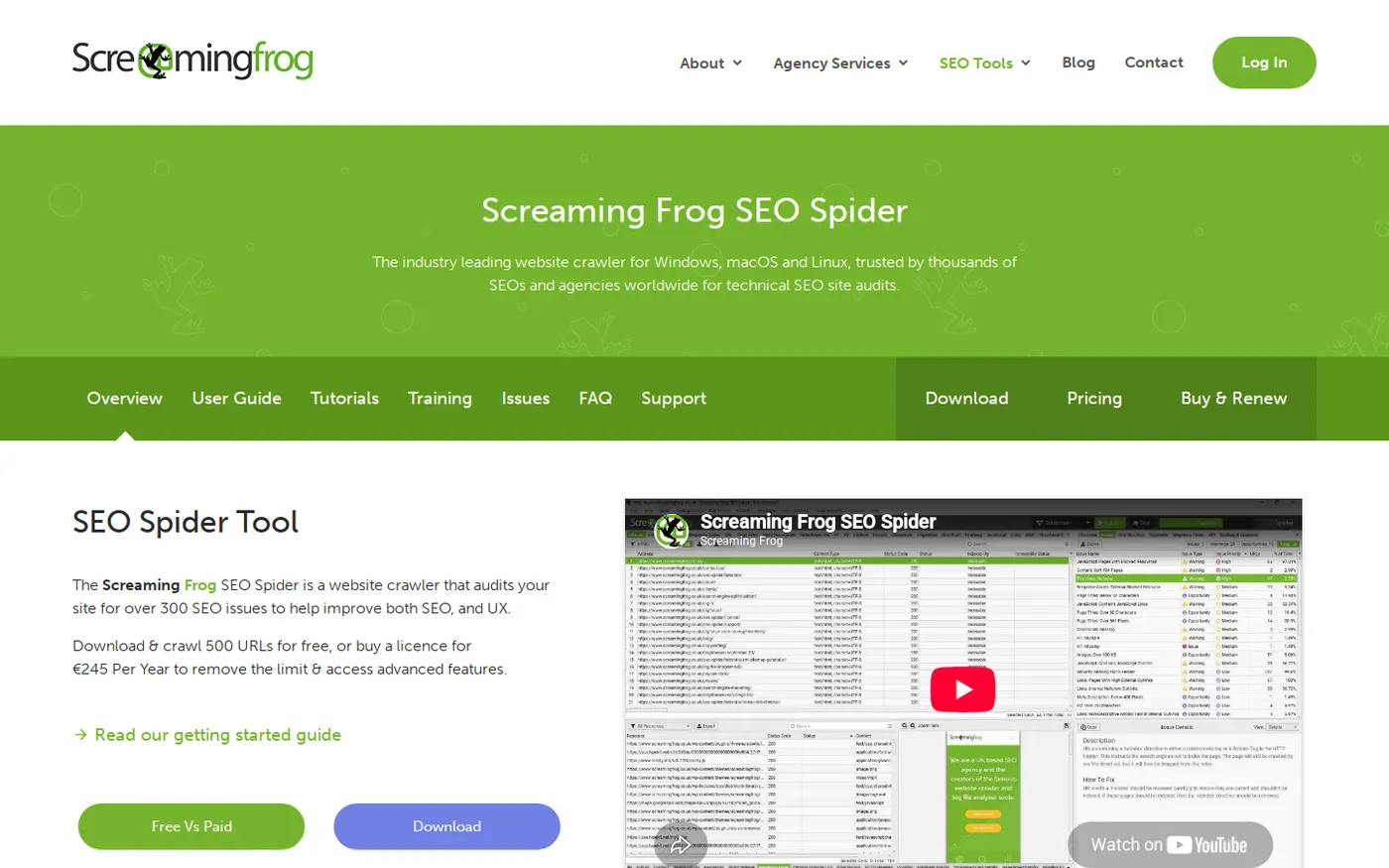
Screaming Frog's SEO Spider is a desktop crawler. You download it, point it at your site, and it follows every link it can find. Screaming Frog says it will "find broken links (404s) and server errors." A 404 is the error a server returns when a page does not exist.
- ChecksBroken links, server errors and the details of every page it reaches.
- Free limit500 URLs. A licence removes the limit and costs £199 a year on the pricing page.
- What it's missingScreaming Frog limits "The crawl configuration, saving of crawls, and advanced features such as JavaScript rendering" to licence holders.
JavaScript rendering means running a page's code to see content that only appears after the page loads. Some SaaS marketing sites are built that way.
My take The best free crawler for a site under 500 URLs. If your pages build their content with JavaScript, the free crawl may not see what Google sees, so test a few key pages by hand.
4. Ahrefs Webmaster Tools
Best for A free, larger site audit for a website you own.
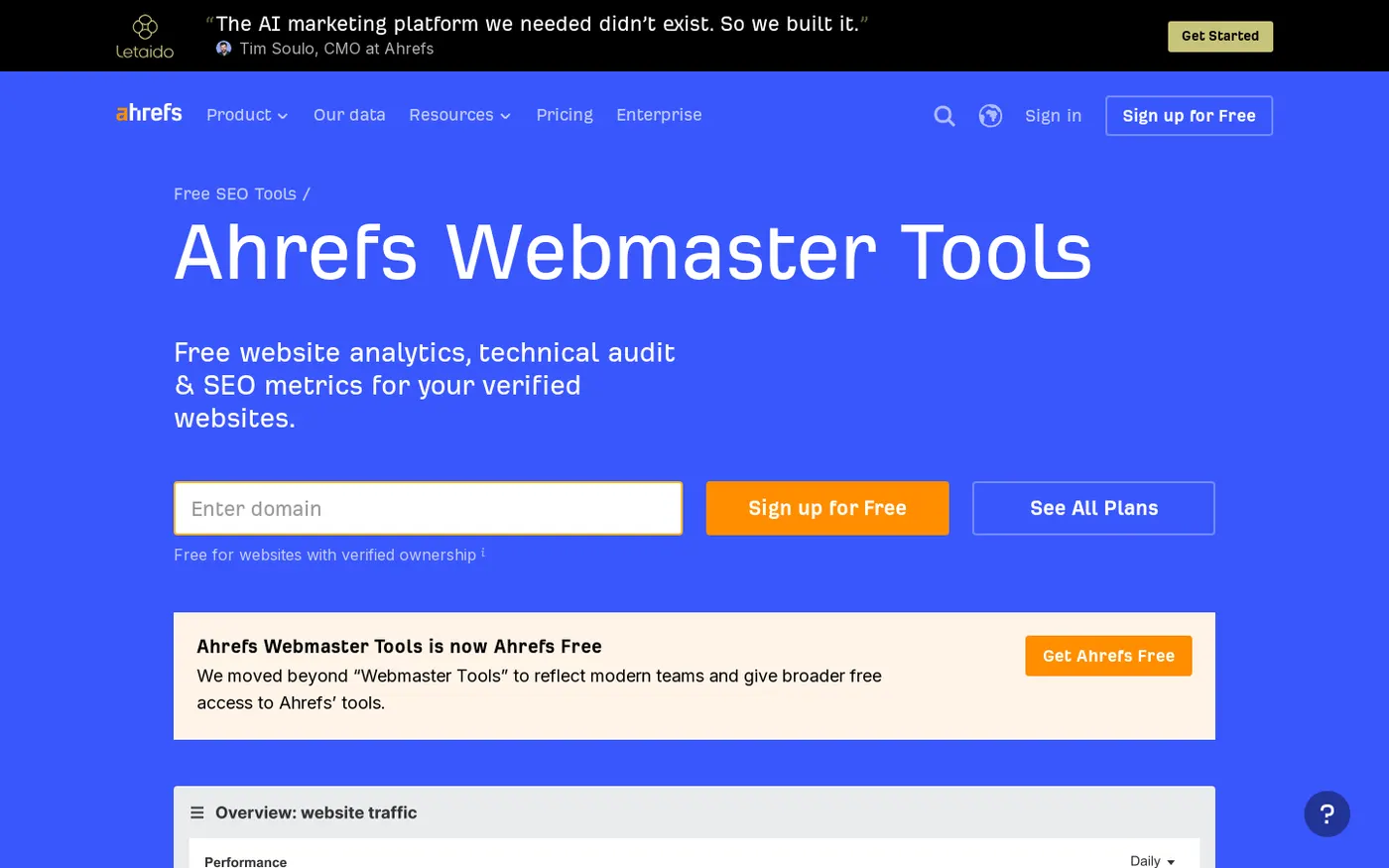
Ahrefs Webmaster Tools "gives you free access to 3 Ahrefs tools," including Site Audit and Site Explorer. Site Audit "scans your website for 170+ common technical & on-page SEO issues and helps you fix them." I use Ahrefs in my work, so take that into account when you read this entry.
- Checks170+ technical and on-page issues, plus your backlinks and organic keywords.
- Free limitAhrefs says "you get 5,000 crawl credits per verified project per month."
- What it's missingThe free tools are for "your verified websites" only. You cannot audit a competitor or a site you cannot prove is yours.
My take The most generous free site audit on this list for a site you own. For a quick look at someone else's site, use Screaming Frog instead.
5. Semrush Site Audit (free account)
Best for A first audit of a very small site, in a suite many teams already know.
Semrush has a free account that includes a limited Site Audit. Signing up needs only "an email address and password (no credit card required)."
- ChecksA site audit of technical SEO issues.
- Free limitSemrush says that on the free plan "you can crawl up to 100 URLs per month."
- What it's missingRoom. 100 URLs covers a homepage, pricing page and a few dozen posts, not a full SaaS site.
My take Fine for a first look at a tiny site. For anything bigger, Screaming Frog's 500 URLs or Ahrefs' 5,000 monthly crawl credits go much further for free.
Free check. 75 checks, one score out of 100, under a minute.
6. PageSpeed Insights
Best for Checking how fast one page is for real visitors, and in a lab test.
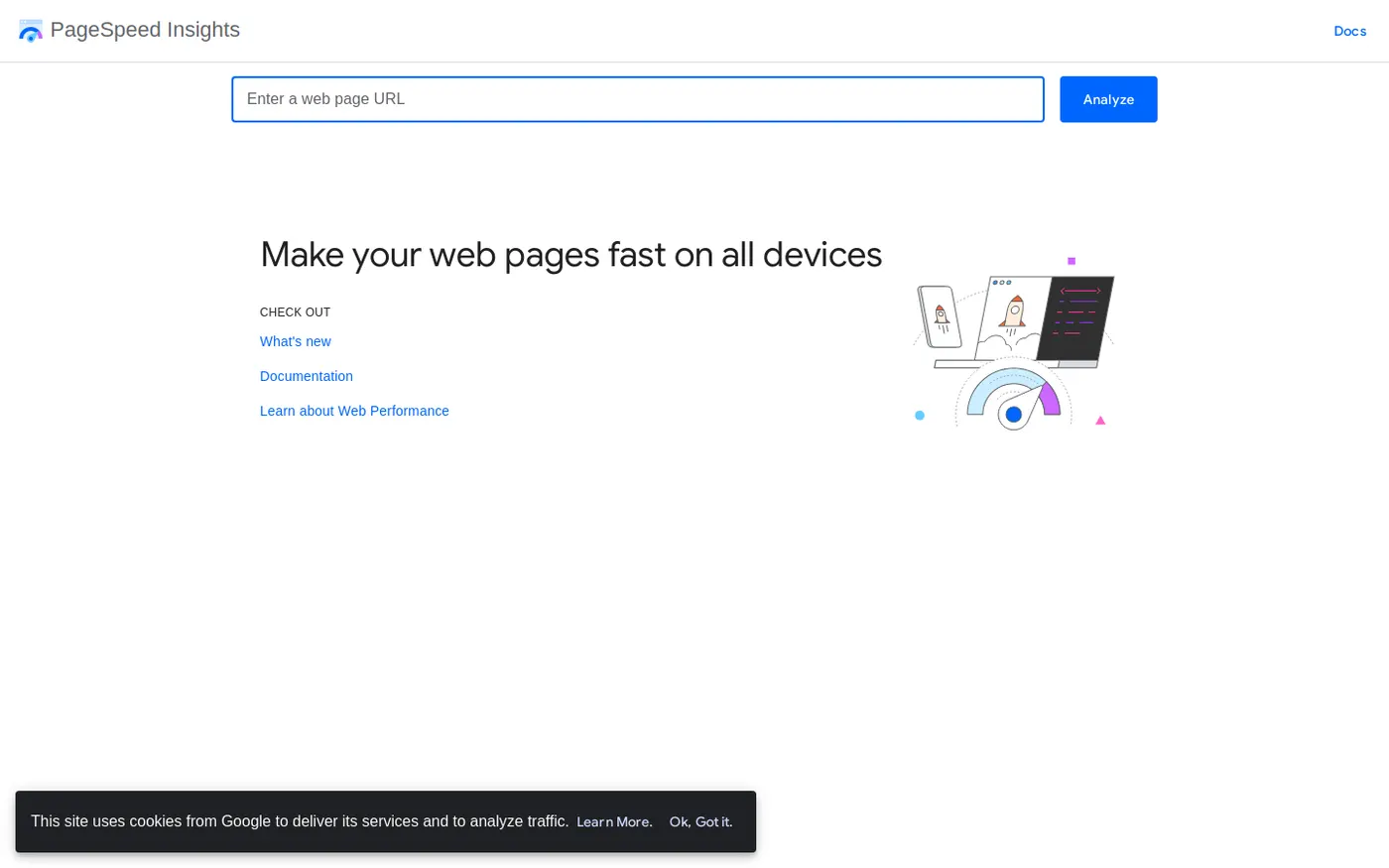
PageSpeed Insights is Google's free speed test. Google says it "provides both lab and field data about a page." The two measure different things, so check which one you are reading.
- Field dataReal visits from Chrome users, taken from the Chrome User Experience Report, over the previous 28 days.
- Lab dataGoogle says it is "based on a simulated load of a page on a single device and fixed set of network conditions."
- Free limitFree. You test the one URL you enter.
- What it's missingA site-wide view. Use Search Console's Core Web Vitals report to see which groups of pages are slow.
My take Read the field data first, because that is what visitors actually felt. The lab score is one test on one simulated device, so use it to find causes, not to judge the page.
7. Lighthouse
Best for Testing speed and basic SEO on pages that are not public yet, such as a staging site.
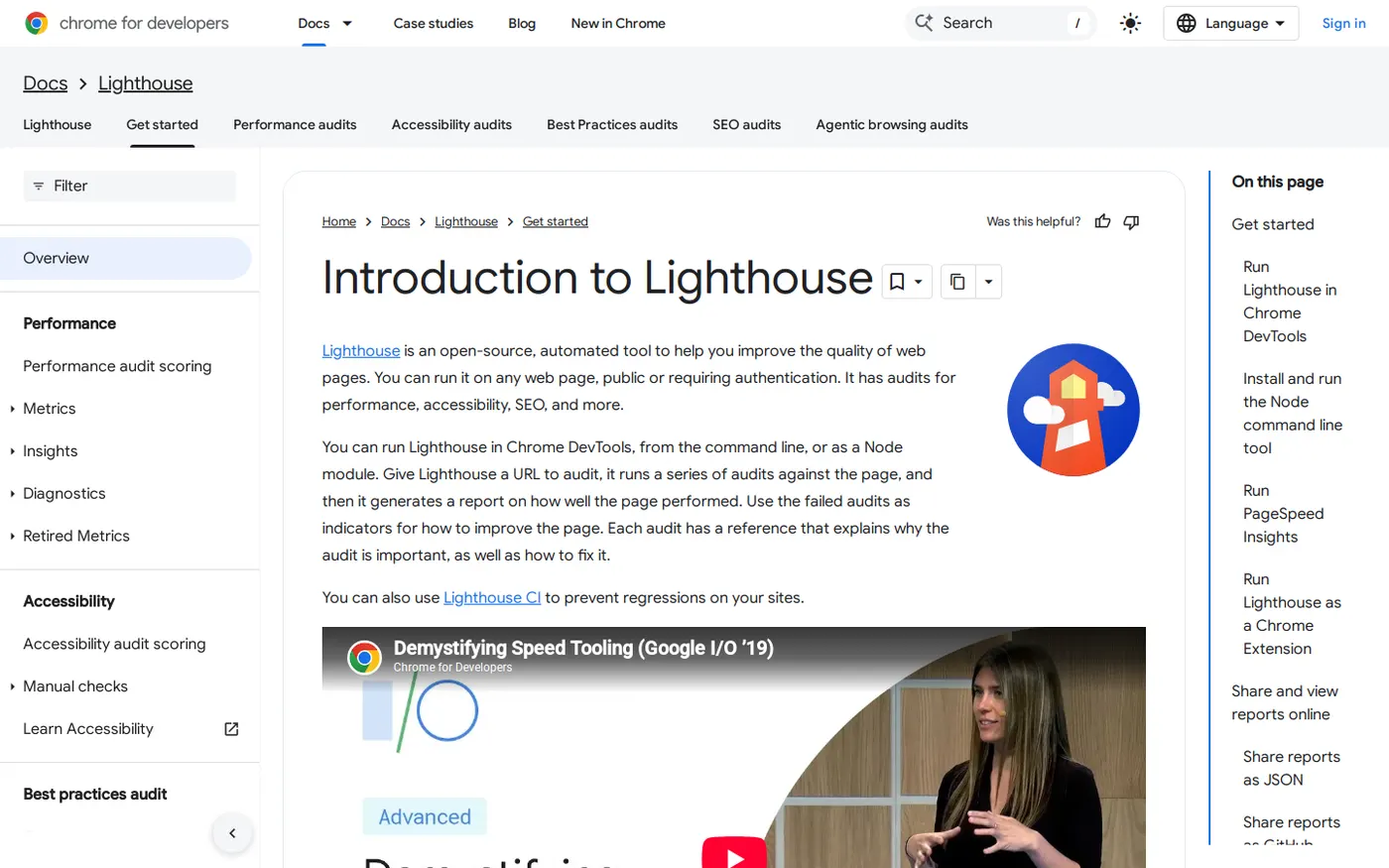
Lighthouse is "an open-source, automated tool to help you improve the quality of web pages." PageSpeed Insights runs Lighthouse on Google's side to make its lab report. You can also run it yourself in Chrome DevTools, the developer panel built into the Chrome browser.
Running it yourself has one big advantage. Its docs say you can run it "on any web page, public or requiring authentication," so it works on pages behind a login.
- ChecksIts docs say it "has audits for performance, accessibility, SEO, and more."
- Free limitOpen source, so there is nothing to buy. It runs in DevTools, from the command line or as a Node module.
- What it's missingReal-visitor data. Every run is a lab test, so it cannot tell you what your visitors experienced.
My take Use Lighthouse before a launch and PageSpeed Insights after it. Run it more than once, because a single lab run is only one sample.
8. Google Rich Results Test
Best for Checking whether Google can build rich results from your schema.
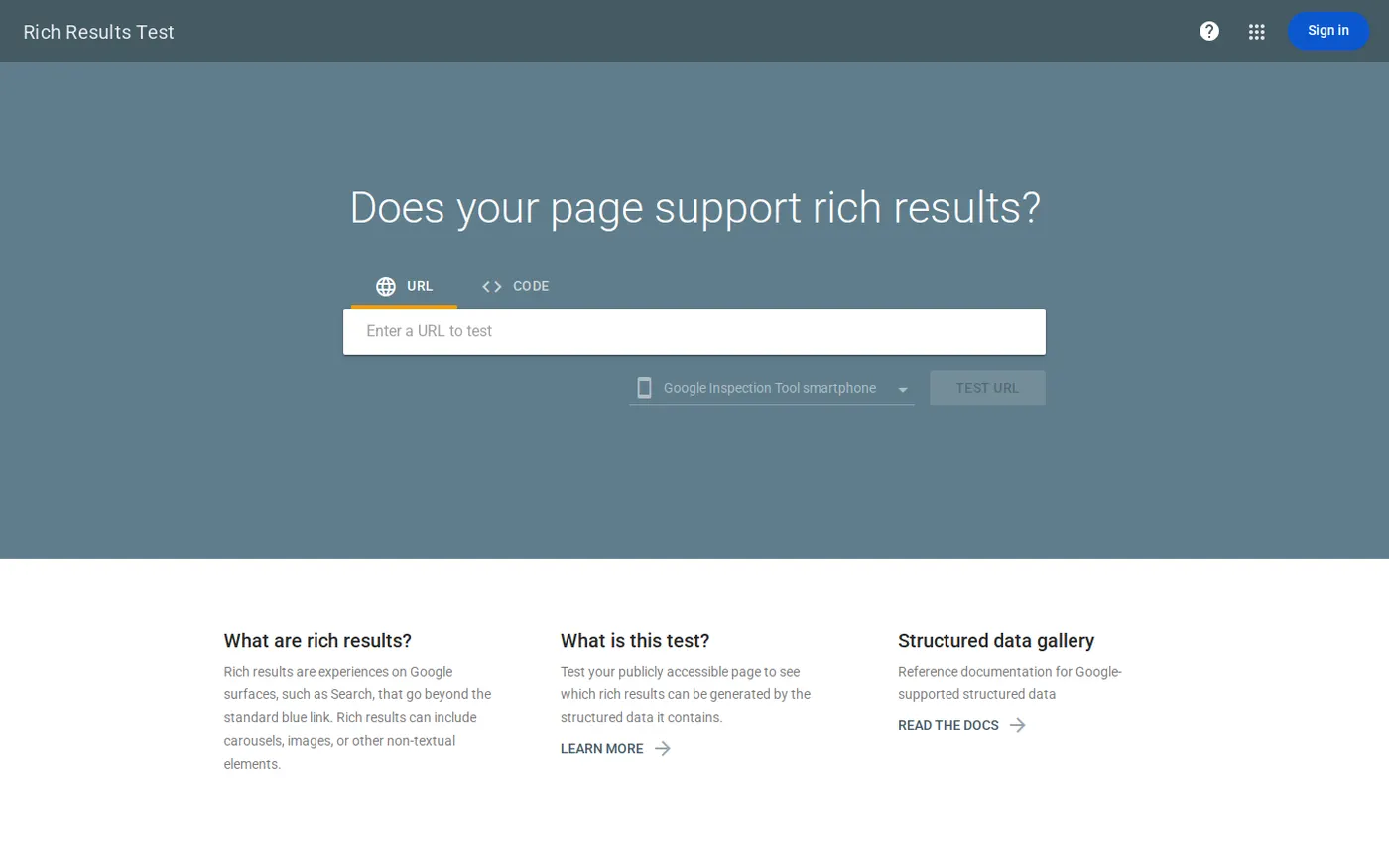
Rich results are the special features some pages get in Google's results, built from structured data. You give the Rich Results Test a page, and it shows which rich results that page can produce. Google calls it "The official Google tool for testing your structured data to see which Google rich results can be generated".
- ChecksWhich Google rich results your structured data can produce.
- Free limitFree.
- What it's missingIts help page says it "currently supports the following rich result types" and lists them. Schema outside that list needs another tool.
My take Run it after every template change. One broken template breaks the schema on every page that uses it.
9. Schema Markup Validator
Best for Checking any schema.org markup, including types Google does not use for rich results.
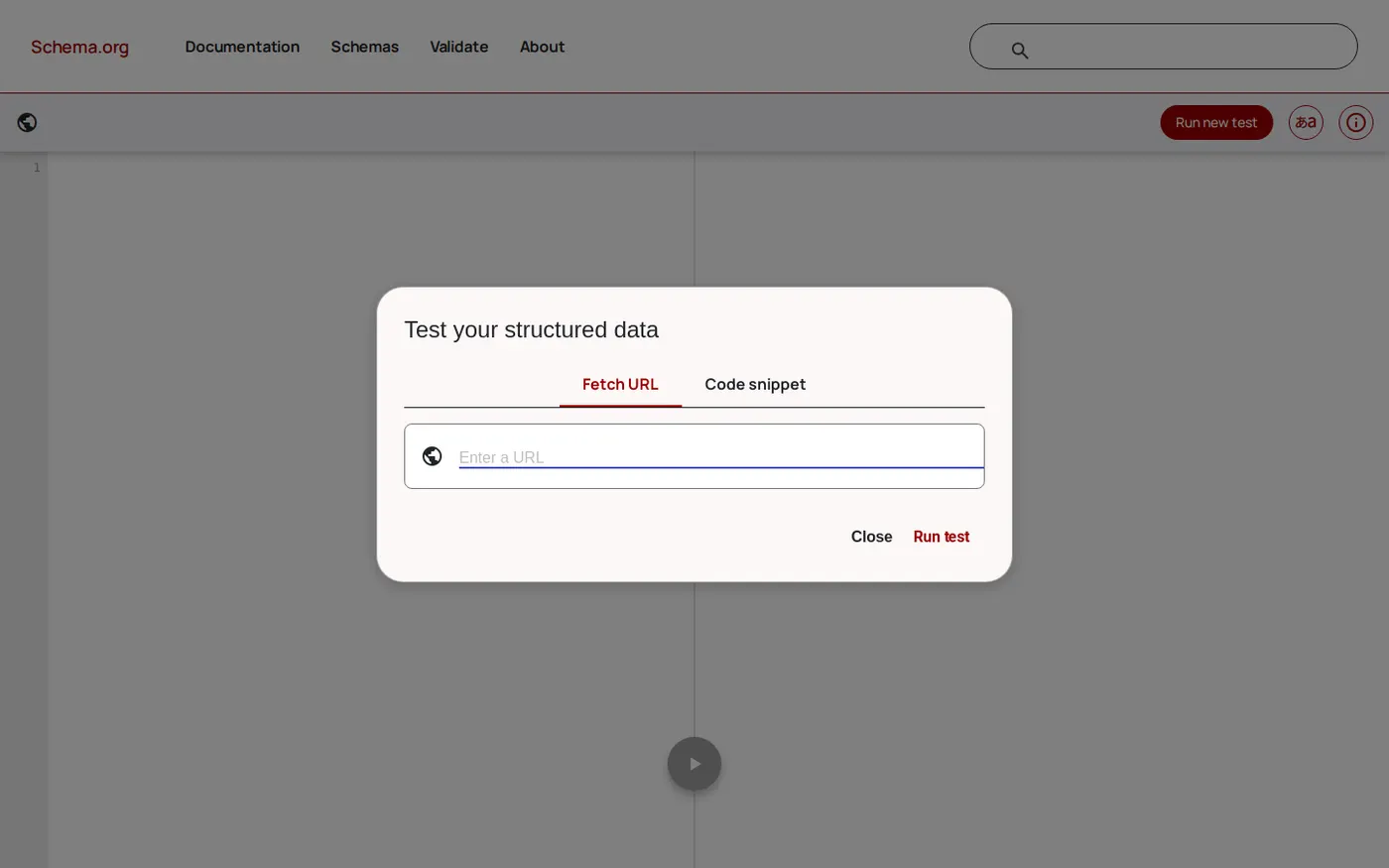
Schema.org is the shared vocabulary search engines use for structured data. The Schema Markup Validator checks markup against that vocabulary. Google's own guidance says: "For generic schema validation, use the Schema Markup Validator to test all types of schema."
- ChecksThe syntax of every schema.org type on a page.
- Free limitFree.
- What it's missingIt is a generic check, so it does not tell you which Google rich results a page can get.
My take Use both schema tools. The validator catches markup errors in any type, and the Rich Results Test shows which Google features the markup can produce.
10. Fourward AI crawler checker
Best for Checking whether the crawlers behind AI search engines can reach your site.
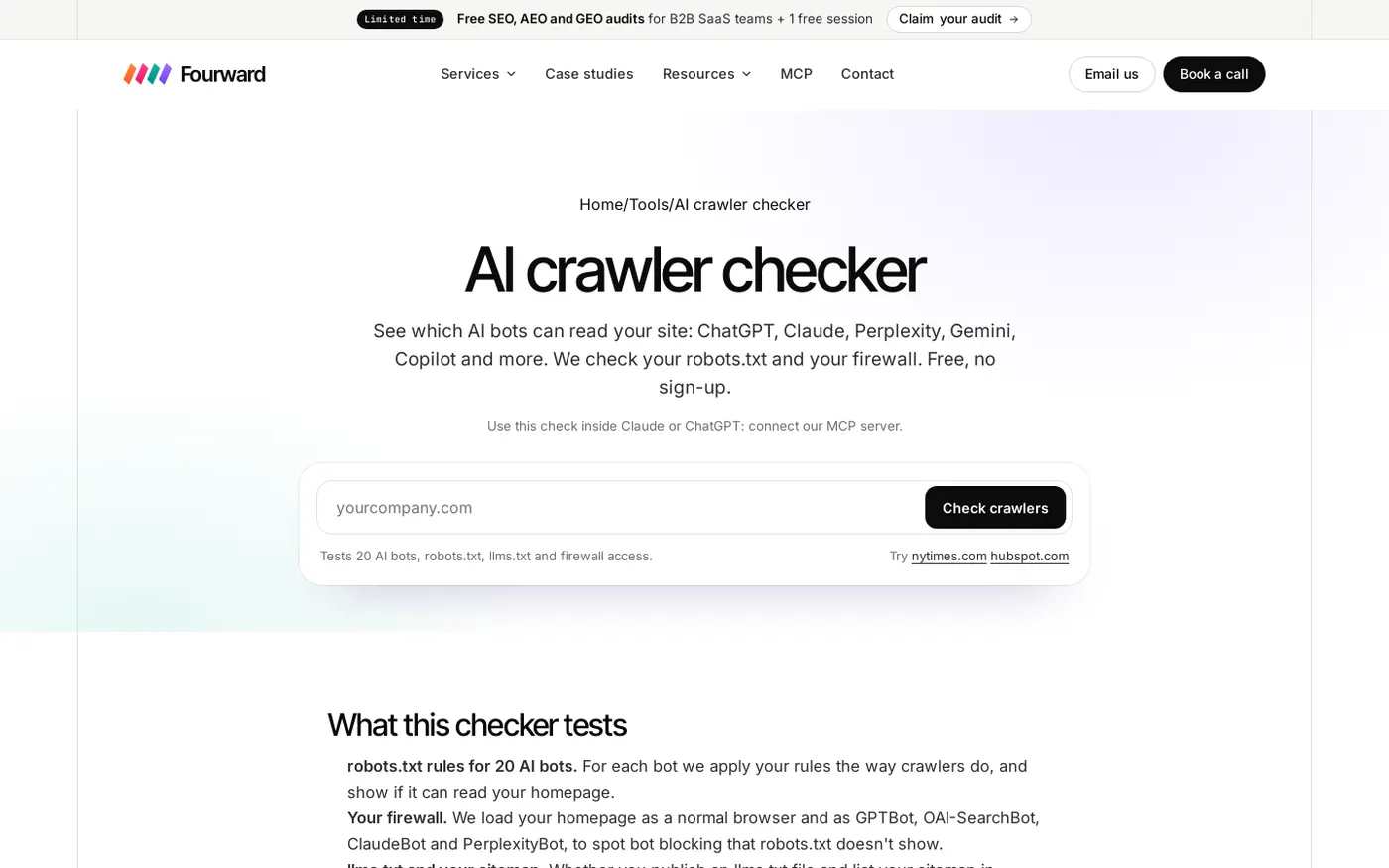
AI engines such as ChatGPT and Perplexity send their own crawlers, separate from Googlebot. A robots.txt rule or a firewall can block them while Google keeps crawling. Robots.txt is a small text file on your site that tells crawlers which pages they may visit.
Fourward's free AI crawler checker tests 20 AI crawlers against your robots.txt and runs a firewall test. A free MCP server runs the same check from Claude, ChatGPT, Cursor or VS Code. MCP (Model Context Protocol) is a standard way to connect AI assistants to outside tools.
- ChecksAccess for 20 AI crawlers, robots.txt rules and a firewall test.
- Free limitFree.
- What it's missingIt checks AI crawler access only. It does not check Google indexing, speed or schema.
My take Run it after any robots.txt or firewall change. A blocked AI crawler is easy to miss, because Search Console will still look normal. Our guide to AI crawlers explains which bots to allow.
What the free versions leave out, and when to pay
The free versions share the same few gaps. Each one is a reason to pay, but only if it affects your site.
- Crawl size. Screaming Frog stops at 500 URLs and Semrush's free plan at 100 URLs a month. Ahrefs Webmaster Tools gives 5,000 crawl credits per verified project a month.
- JavaScript. Screaming Frog keeps JavaScript rendering for licence holders. If your site builds pages in the browser, that matters.
- Saved crawls. Screaming Frog's free version cannot save crawls, so you cannot keep last month's crawl next to this month's.
- Other people's sites. Ahrefs' free audit works only on verified sites, and Search Console shows only sites you add.
Pay when your site outgrows these limits, or when you audit sites you do not own. A Screaming Frog licence is £199 a year. For a full paid suite, our Semrush vs Ahrefs comparison covers pricing and limits.
Most small SaaS sites can stay on free tools. JavaScript rendering is usually the first reason to pay.
How to run a free technical SEO check
This order puts the tools above to work without paying for anything.
- Set up Search Console and Bing Webmaster Tools. Both are free and show what each search engine has stored.
- Crawl the whole site. Use Screaming Frog for a site under 500 URLs, or Ahrefs Webmaster Tools for a bigger site you own.
- Inspect the pages that sell. Run URL Inspection on your pricing, product and comparison pages, because those pages matter most.
- Test speed by template. Run PageSpeed Insights on your homepage, pricing page and one blog post, then read the field data first.
- Test schema by template. Run the Rich Results Test, then the Schema Markup Validator, on one page of each template.
- Check AI crawler access. Run the AI crawler checker, so a robots.txt rule does not hide you from AI search.
Mistakes to avoid with free tools
- Judging speed by the lab score. The lab score is one simulated load. Field data shows what real visitors felt over 28 days.
- Treating "request indexing" as a fix. Google says a request does not guarantee indexing. Fix the cause first, such as a noindex tag, which is a line of code telling Google not to index the page.
- Crawling a JavaScript site without rendering. A free crawl may report pages as empty or thin when Google sees the full content.
- Checking schema in one tool only. Valid markup may still produce no rich result, and a rich result test skips types Google does not support.
- Fixing every warning. Audits list long runs of minor issues. Fix what blocks your pricing, product and comparison pages first.
- Asking ChatGPT to crawl your site. ChatGPT can sort a crawl export into patterns, but it is not a crawler. Our guide to using ChatGPT for SEO shows how to use it on an export.
A full SEO, AEO and GEO audit, plus 30 minutes with our team to walk you through it.
FAQs
What is the best free technical SEO tool?
Google Search Console, because it is the only free tool that shows what Google has actually indexed. Pair it with a crawler, such as Screaming Frog's free version or Ahrefs Webmaster Tools.
Is Google Search Console enough for technical SEO?
No. It shows Google's view of your pages, but it does not let you run your own crawl of the whole site. Add a crawler, PageSpeed Insights and the Rich Results Test.
Can I crawl my whole site for free?
Yes, if the site is small or you own it. Screaming Frog's free version crawls 500 URLs, Semrush's free plan 100 URLs a month, and Ahrefs Webmaster Tools gives 5,000 crawl credits per verified project a month.
What is the difference between the Rich Results Test and the Schema Markup Validator?
The Rich Results Test is Google's tool for seeing which Google rich results your structured data can produce. The Schema Markup Validator checks any schema.org type, without Google's rich result checks.
Why do PageSpeed Insights and Search Console show different speed numbers?
Field data comes from real Chrome visits over the previous 28 days, while lab data is one simulated load on one device and network. Search Console's report also groups similar pages, while PageSpeed Insights tests one URL.
Sources
- About Search Console and URL Inspection tool, Google, Search Console Help, checked 14 November 2026.
- Start Using Bing Webmaster Tools to Improve Your Site Visibility, Microsoft Bing Blog, 17 June 2025, checked 14 November 2026.
- Screaming Frog SEO Spider Website Crawler and Pricing, Screaming Frog, checked 14 November 2026.
- Ahrefs Webmaster Tools: Free SEO Tools to Grow Your Site, Ahrefs, checked 14 November 2026.
- What can you do with a free Semrush account?, Semrush, 10 December 2025, checked 14 November 2026.
- About PageSpeed Insights, Google for Developers, checked 14 November 2026.
- Lighthouse overview, Chrome for Developers, checked 14 November 2026.
- Rich Results Test, Google, Search Console Help, checked 14 November 2026.
- Schema Markup Testing Tool, Google Search Central, checked 14 November 2026.