
On this page
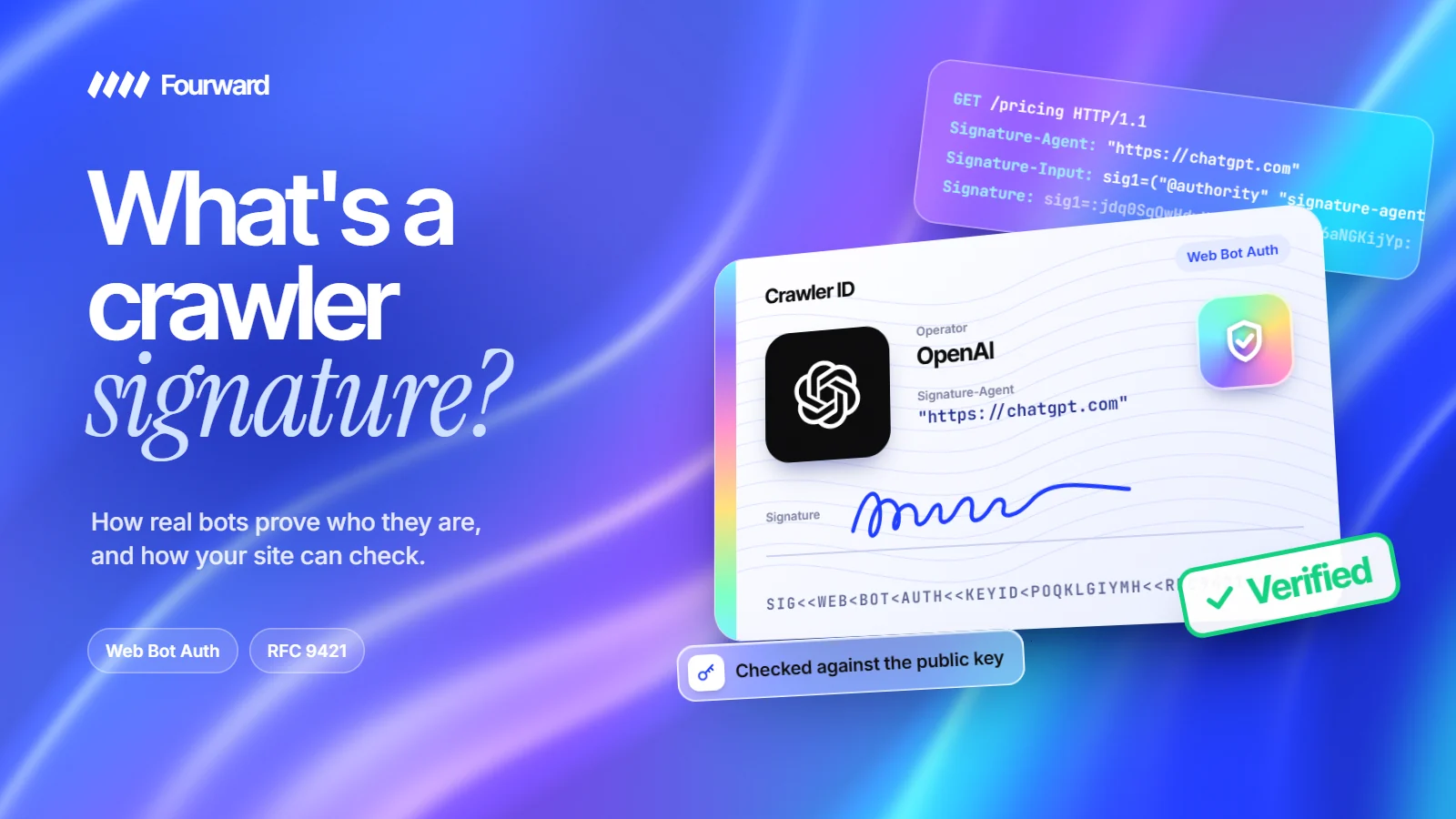
A crawler signature is a cryptographic stamp a bot adds to each request, so a website can check that the request really comes from the bot it claims to be. A user agent is only a name, and any script can send any name. A signature can only be made with the bot operator's secret key, and any site can check it against the operator's published key.
This guide covers what a crawler signature is, how it differs from a user agent, which bots sign their requests today, and how to check a signature on your own site.
I lead field marketing and events at Fourward, so I wrote this guide in plain words for readers who are not engineers. We sell AI visibility work, so we have a stake in this topic. Every technical claim below links to the standard or to the vendor's own documentation, checked on 21 November 2026.
- A crawler signature is a cryptographic proof, attached to each request, that a bot is who it says it is. The open standard for bots is called Web Bot Auth.
- A user agent is a name anyone can type. Cloudflare says user agent headers alone "are easily spoofed".
- A signed request carries three headers: Signature, Signature-Input and Signature-Agent. Your site checks them against public keys the bot operator publishes.
- OpenAI's cloud browser for ChatGPT signs its requests, and Google is testing signatures with some AI agents. Google's own crawler checks still rely on reverse DNS lookups and IP address ranges.
- OpenAI says Cloudflare and Akamai verify its signatures automatically, so sites on those CDNs may get the check without writing any code.
What a crawler signature is
A crawler is a program that visits web pages automatically. A crawler signature is a short code the crawler attaches to each request, made with a private key, a secret code that only the crawler's operator holds.
Your site, or the CDN in front of it, checks the signature with the operator's public key. A CDN (content delivery network) is a service, such as Cloudflare, that sits between your site and its visitors. A passed check proves the request came from the operator the bot names.
The standard behind it
Crawler signatures use a standard called HTTP Message Signatures. HTTP (hypertext transfer protocol) is the set of rules browsers and bots use to request web pages. The IETF (Internet Engineering Task Force), the group that writes core internet standards, published the standard as RFC 9421 in February 2024. An RFC (Request for Comments) is the IETF's name for a published standards document.
- Web Bot Auth is the newer IETF draft that applies RFC 9421 to bots. The draft describes "a protocol for identifying automated traffic".
- The draft is not final. The latest version of the Web Bot Auth draft is dated 29 October 2026, so details can still change.
- Cloudflare's definition: Cloudflare's Web Bot Auth docs describe it as a way to authenticate bots with cryptographic signatures inside HTTP messages.
The three headers a signed request carries
A header is a line of information a browser or bot sends with each request. Cloudflare's docs tell bot operators: "Attach these three headers to your bot's requests."
- Signature holds the signature itself, the code made with the private key.
- Signature-Input lists which parts of the request were signed, and when the signature was made and expires.
- Signature-Agent tells your site where to find the operator's public keys. For OpenAI, the Signature-Agent value is "https://chatgpt.com".
The public keys sit in a key directory at a fixed address on the operator's domain: /.well-known/http-message-signatures-directory. OpenAI publishes its key directory on chatgpt.com, and Google publishes its key directory on agent.bot.goog.
Crawler signature vs user agent
A user agent is the name a bot gives when it visits, such as GPTBot or Googlebot. Our guide to what an AI crawler is lists the main user agent names. A user agent is plain text, so a fake bot can send a trusted bot's name. Cloudflare's Web Bot Auth announcement says user agent headers alone "are easily spoofed and are therefore insufficient for reliable identification". Spoofed means faked.
The older alternative is to check where a visit comes from. A reverse DNS lookup asks which domain name owns the IP address of a visit. DNS (domain name system) is the internet's address book, linking domain names to IP addresses.
| Method | What the bot shows | Can a fake bot copy it? | How you check it |
|---|---|---|---|
| User agent | A name in a header | Yes, any script can send any name | Read it in your logs, but it proves nothing alone |
| IP address or reverse DNS | The network address the request comes from | Harder to fake, but IP ranges are shared and change | Match the address to the operator's published list or domain |
| Crawler signature | A code made with the operator's private key | No, not without the private key | Check the code against the operator's public key |
The IETF draft also says older ways to identify bots fall short. The draft says "IP allowlisting, User-Agent strings, or shared API keys have significant limitations". An IP allowlist is a list of network addresses your firewall lets in. Cloudflare's announcement calls the logic of tying IP ranges to one product "brittle".
How a crawler signature proves a bot is real
A crawler signature works as proof because only the operator holds the private key. The full process has five steps, from making the keys to checking a request.
- The operator makes a key pair. A key pair is two linked keys: a private key the operator keeps secret, and a public key anyone may see.
- The operator publishes the public key. The public key goes in the key directory on the operator's own domain, such as chatgpt.com.
- The bot signs each request. Cloudflare says bot developers "cryptographically sign requests originating from their service". Each signature covers chosen parts of the request, plus a creation time and an expiry time.
- Your site fetches the public key. Your site reads the Signature-Agent header to find the key directory, then picks the matching key.
- Your site checks the signature. A signature that matches the public key and has not expired proves the request came from that operator.
Signatures expire on purpose, so a copied signature soon stops working. The IETF draft recommends that a signature expire no more than 24 hours after it is created.
Which bots sign their requests today
Crawler signatures are new, so only some bots send them. The bots below are the ones I could confirm in each operator's own documentation on 21 November 2026.
OpenAI
OpenAI's help centre says its cloud browser "uses the HTTP Message Signatures standard, RFC 9421, to authenticate requests". The help centre calls the product ChatGPT Work's Cloud browser. OpenAI publishes the keys at https://chatgpt.com/.well-known/http-message-signatures-directory.
Google's crawler documentation lists Web Bot Auth as experimental. Google says: "We are testing the protocol with some AI agents hosted on Google infrastructure." Google's separate page on verifying its crawlers still uses reverse DNS and published IP ranges, and does not mention signatures.
Bots in Cloudflare's verified list
Cloudflare keeps a list of verified bots that its customers can allow. To join the list, a bot must identify itself with "a cryptographic Web Bot Auth signature, a published IP list with a stable user-agent, or reverse DNS".
Cloudflare also uses the term signed agent for AI agents that sign their requests. Cloudflare says that since 1 July 2026, the difference between a verified bot and a signed agent is shown by a new metadata field.
Free check. 75 checks, one score out of 100, under a minute.
How to check a crawler signature
There are three ways to check a bot, from easiest to most technical. Pick the first one that fits your setup.
1. Let your CDN or host check it
The CDN route needs no code, so it suits a non-technical team. OpenAI's allowlisting page says "Cloudflare verifies request signatures automatically" and "Akamai verifies request signatures automatically". Akamai is another CDN.
- On Cloudflare, a signed request that passes the check fills a field called cf.bot_management.verified_bot. Firewall rules can use that field to allow verified bots.
- On Vercel, OpenAI says "no additional configuration is required to allow Cloud browser traffic".
- On any CDN, review your bot rules so a broad AI block does not stop verified bots you want.
2. Check the signature yourself
A developer can check signatures when your CDN does not. OpenAI's help page gives these steps for its traffic:
- Read the Signature-Agent header. OpenAI says the value must exactly match "https://chatgpt.com", including the quotation marks.
- Fetch the public key from the operator's key directory, at the address the Signature-Agent header gives.
- Validate the signature against the public key, and allow the request only if the signature passes.
Cloudflare publishes free code for these checks on GitHub. Cloudflare's web-bot-auth repository "contains Web Bot Auth libraries and examples for signed automated HTTP traffic", under the Apache-2.0 open source licence.
3. Use reverse DNS for bots that do not sign
Reverse DNS works for bots that send no signature. Google's verification page helps when "spammers or other troublemakers are accessing your site while claiming to be from Google". Google's steps are:
- Look up the IP. Run a reverse DNS lookup on the visiting IP address from your logs, using the host command.
- Check the domain. The domain name must be googlebot.com, google.com or googleusercontent.com.
- Look up the domain. Run a forward DNS lookup on the domain name you found, and confirm it returns the original IP address.
Google also publishes its crawler IP ranges as downloadable lists, which you can match visits against instead. For the firewall side of OpenAI's search crawler, see our guide on how to get cited by ChatGPT.
Mistakes to avoid
- Trusting the user agent alone. A fake bot can send any name, including GPTBot or Googlebot. Treat a user agent as a claim, then verify the claim.
- Checking that the headers exist, but not the signature. A fake bot can copy the Signature-Agent header too. Only the signature check, with the public key, proves who sent the request.
- Dropping IP and reverse DNS checks. Google tells sites to fall back to IP-based verification, "as not all requests are signed".
- Treating a signature as permission. A valid signature proves who the bot is, not that you must let the bot in. Your robots.txt file, the public text file that tells bots which pages they may visit, still decides access along with your firewall.
- Not checking access at all. A signature check only matters if the bots you want can reach your pages. Fourward's free AI crawler checker tests 20 AI crawlers against your robots.txt and your firewall.
Some bot tools verify visits for you. Our guide to AI crawler software compares the options and their prices.
A full SEO, AEO and GEO audit, plus 30 minutes with our team to walk you through it.
FAQs
What is a crawler signature?
A crawler signature is a cryptographic code a bot attaches to each request, made with a private key only its operator holds. Your site checks the code against the operator's public key to confirm the bot is real.
Is a crawler signature the same as a user agent?
No. A user agent is a name in a header, and any script can send any name. A crawler signature can only be made with the operator's private key, so a fake bot cannot copy a valid one.
Does Googlebot sign its requests?
Google's page on verifying its crawlers uses reverse DNS and published IP ranges, not signatures. Google says it is testing Web Bot Auth with some AI agents, and that not all requests are signed.
Do I need to do anything to check crawler signatures?
OpenAI says Cloudflare and Akamai verify its request signatures automatically, so sites on those CDNs may need no code. On other setups, a developer can read the Signature-Agent header, fetch the public key and validate the signature.
Can a crawler signature be faked?
A valid signature cannot be made without the operator's private key. A fake bot can copy the headers, so your site must check the signature itself. The IETF draft recommends that signatures expire within 24 hours, which limits reuse.
Does checking crawler signatures cost money?
The HTTP Message Signatures standard is public, and Cloudflare's Web Bot Auth code is free on GitHub under the Apache-2.0 licence. Your CDN or host sets its own plan prices.
Sources
- Web Bot Auth, Cloudflare docs, updated 8 October 2026, checked 21 November 2026.
- Verified bots, Cloudflare docs, updated 12 November 2026, checked 21 November 2026.
- Forget IPs: using cryptography to verify bot and agent traffic, Cloudflare blog, 15 May 2025, checked 21 November 2026.
- RFC 9421: HTTP Message Signatures, RFC Editor (IETF), February 2024, checked 21 November 2026.
- HTTP Message Signatures for automated traffic (draft 01), IETF Datatracker, 29 October 2026, checked 21 November 2026.
- HTTP Message Signatures for automated traffic, full text of draft 01, IETF, 29 October 2026, checked 21 November 2026.
- ChatGPT Work's Cloud browser allowlisting, OpenAI Help Center, checked 21 November 2026.
- Authenticate requests with Web Bot Auth (experimental), Google for Developers, updated 13 October 2026, checked 21 November 2026.
- Verify requests from Google crawlers and fetchers, Google Crawling Infrastructure, checked 21 November 2026.
- cloudflare/web-bot-auth, GitHub, checked 21 November 2026.
- Fourward AI crawler checker, Fourward.