
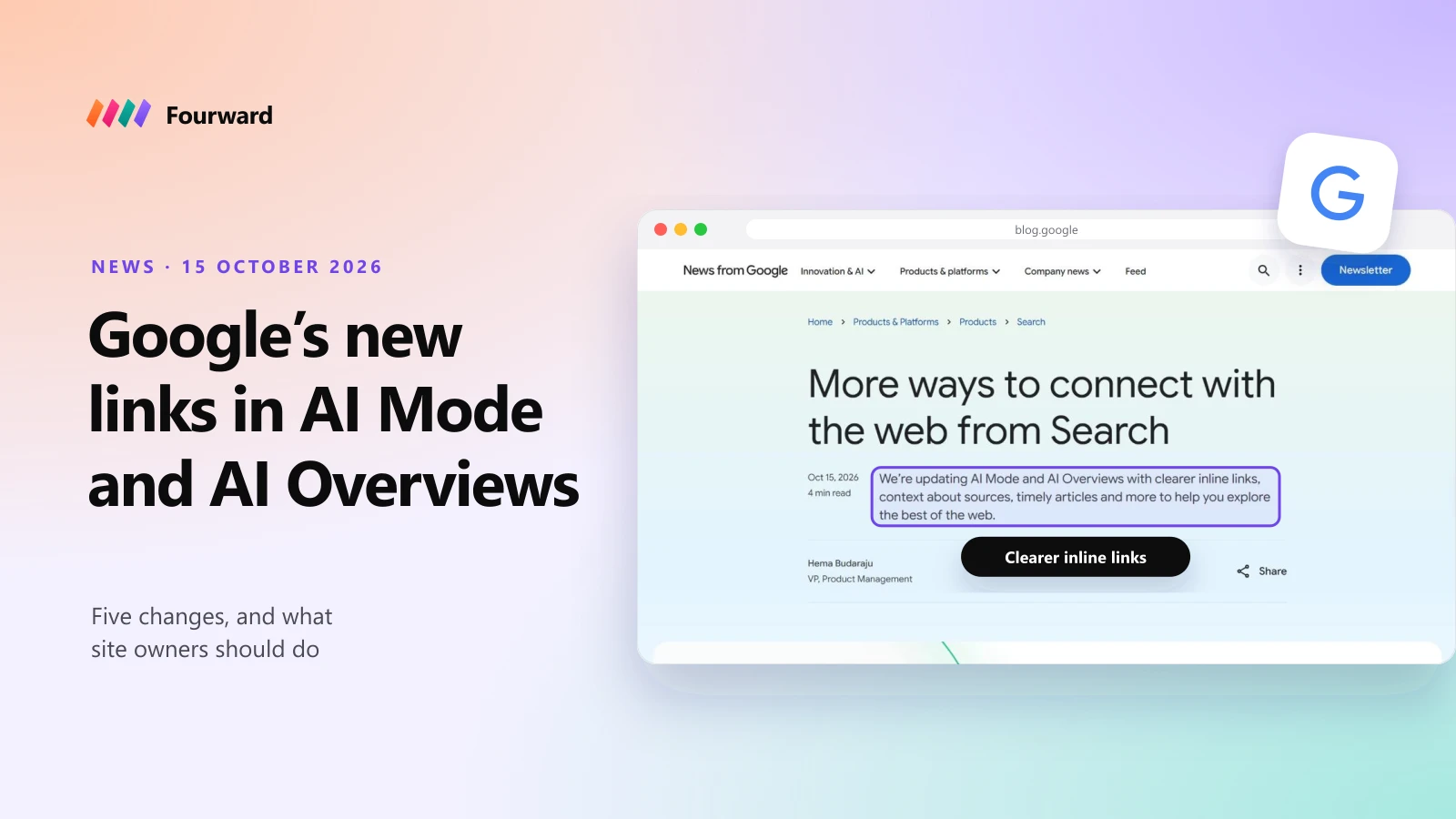
On 15 October 2026 Google made five changes to how AI Mode and AI Overviews link to websites. Inline links now appear more often and higher up in answers. Google is testing a section at the top of answers for the one or two official sites for a task. It is also adding bigger carousels for timely articles, thumbnails on the related links at the end of answers, and clickable creator names on videos in AI Mode.
What it means depends on your site. Businesses should give every task people ask about, such as booking, pricing, a free trial or support, one clear official page. Publishers gain from the bigger news carousels and from readers who add them as a Preferred Source. Creators get a link to their Google Search profile from video results. Every site benefits from the extra inline links if its pages state facts plainly.
The five changes at a glance
| Change | Status | Who it matters to most |
|---|---|---|
| More inline links, placed higher | Launching | Every site whose pages state facts plainly |
| Official sites at the top | Test | Businesses, brands and services people need to act on |
| Timely article carousels | Rolling out to more countries | News sites and publishers |
| Bigger related links at the end | Launching | Blogs and in-depth guides |
| Clickable creator names on video | Test, AI Mode only | Video creators, linked to Google Search profiles |
I lead search and AI visibility at Fourward, which sells SEO and GEO work. The changes come from Google's own announcement, read on 22 October 2026. Where I give advice, I say it's mine.
What Google changed, one by one
1. More inline links, higher in the answer
Inline links are links placed on words or phrases inside an AI answer. Google says it has made "continued and substantial increases" to them, and is now launching updates that show them higher up in answers more often. It gave no numbers for either change.
This builds on Google's May 2026 update, which first put inline links next to the claims they support.
2. A section for official sites (test)
Google says that sometimes there are only one or two official places on the web to finish a task. It will test a section at the top of AI answers that shows those links, with a line on why each one is useful. Google already does something similar when people search for a specific site.
Google didn't say how it will choose the official sites, which searches will show the section, or where the test runs.
3. Timely article carousels in more places
The carousels for timely articles in AI answers are rolling out to more countries and languages. They also highlight each user's Preferred Sources, the sites a person has chosen to see more of. Google says use of Preferred Sources has grown more than 7x since the start of 2026, without giving a starting number.
4. Bigger related links at the end
The links Google shows at the end of some AI answers now get image thumbnails and a more clickable design. These are the "read more" style links for people who want to go deeper.
5. Clickable creator names on video (test)
In AI Mode, Google is testing clickable creator and publisher names on video results. They lead to the creator's Google Search profile, not to their website. Search Engine Journal reports that Search profiles are only open to some creators in the US, Canada and India.
Two of the five changes are live, one is rolling out and two are tests. None changes what Google says a page needs to appear in AI answers.
What site owners should do now
Google hasn't said how it picks official sites or which pages get inline links. The steps below are my advice, based on Google's guidance and on how its AI answers link today. Start with the four that apply to every site:
- State facts in plain sentences. Inline links attach to claims. "Plans start at $29 a month" or "open until 9 pm on weekdays" can be linked. A table or image with no text around it is harder to quote.
- Give each task one clear page. If people ask "how do I..." about something you offer, it needs a page whose title says exactly that.
- Remove the doubt about which page is official. Old pages, duplicate help articles and outdated PDFs compete with the real one. Redirect or update them, and use canonical tags.
- Keep important pages crawlable. Help centers, menus and booking pages often sit behind a login or block crawlers. Google can't link what it can't crawl.
For businesses, brands and SaaS
The official-sites test is aimed at you. Make sure tasks like booking, pricing, a free trial, login, returns, setup and support each have one current page on your own domain. Add Organization markup with your name, logo, URL and social profiles so Google can tell which site is yours. Google says structured data should match what's visible on the page. For SaaS, our GEO guide for B2B SaaS goes further.
For publishers and news sites
The timely article carousels and Preferred Sources are the opportunity. Ask loyal readers to add you as a Preferred Source, since those sites are highlighted in the carousels. Keep dates, bylines and headlines accurate so fresh coverage is easy to recognise. In-depth explainers can also earn the bigger related links at the end of answers.
For creators
If you publish video, the clickable-name test sends people to your Google Search profile, not to your site. If you're eligible for a Search profile, set it up and keep it current, because that's the page people will land on. Keep your own site linked from your channel descriptions so viewers can still find you.
Free check. 30 checks, one score out of 100, under a minute.
What hasn't changed
Google's AI features documentation still says there are no extra requirements to appear in AI Overviews or AI Mode. A page must be indexed and eligible to show with a snippet. There's no special schema or file to add. The usual snippet controls, such as nosnippet and max-snippet, still decide what Google can quote.
Google also explains that AI Mode and AI Overviews can run several related searches across subtopics, which it calls query fan-out. So a page can be linked for a question it was never written to rank for, as long as it answers part of that question well. That's why the steps above are about clear answers, not keywords.
How to see if it's working
Search Console has a Generative AI report under Performance that shows how often AI Overviews and AI Mode showed a link to your site, by page. It shows impressions only, with no clicks or queries. I explained how to read it in how to see your AI Overviews data in Search Console.
Google gave no click data for these changes, and the report won't tell you whether a link was inline, official or at the end. Watch the trend for your most important pages over the next few months instead.
A full SEO, AEO and GEO audit, plus 30 minutes with our team to walk you through it.
FAQs
What did Google change in AI Mode and AI Overviews in October 2026?
On 15 October 2026 Google added more inline links and placed them higher in answers, started testing a section for official sites at the top of answers, expanded timely article carousels, made the related links at the end of answers bigger, and started testing clickable creator names on videos in AI Mode.
How does Google choose the official site in AI answers?
Google hasn't said. The official-sites section is a test, and the announcement gives no selection rules. Having one clear, indexable page for each task on your own site is the safest way to be eligible.
Do I need special markup to get links in AI Overviews?
No. Google says there are no extra requirements and no special schema for AI Overviews or AI Mode. The page must be indexed and eligible to show with a snippet.
Will these changes send more traffic to websites?
Google didn't share any click data. Search Console's Generative AI report shows impressions only, so you can see how often you're linked but not how many people click.
What are Preferred Sources?
Preferred Sources let people choose sites they want to see more of in Google Search. Those sites are highlighted in carousels in AI answers and Top Stories. Google says use of the feature grew more than 7x in 2026.
Sources
- More ways to connect with the web from Search, Hema Budaraju, Google, 15 October 2026.
- 5 new ways to explore the web with generative AI in Search, Google, 6 May 2026.
- New ways to find your favorite sources, Google, 27 May 2026.
- AI features and your website, Google Search Central.
- Generative AI performance report, Search Console Help.
- Coverage of the October update, Search Engine Journal.
- Google AI Mode and AI Overviews links, 9to5Google, 15 October 2026.